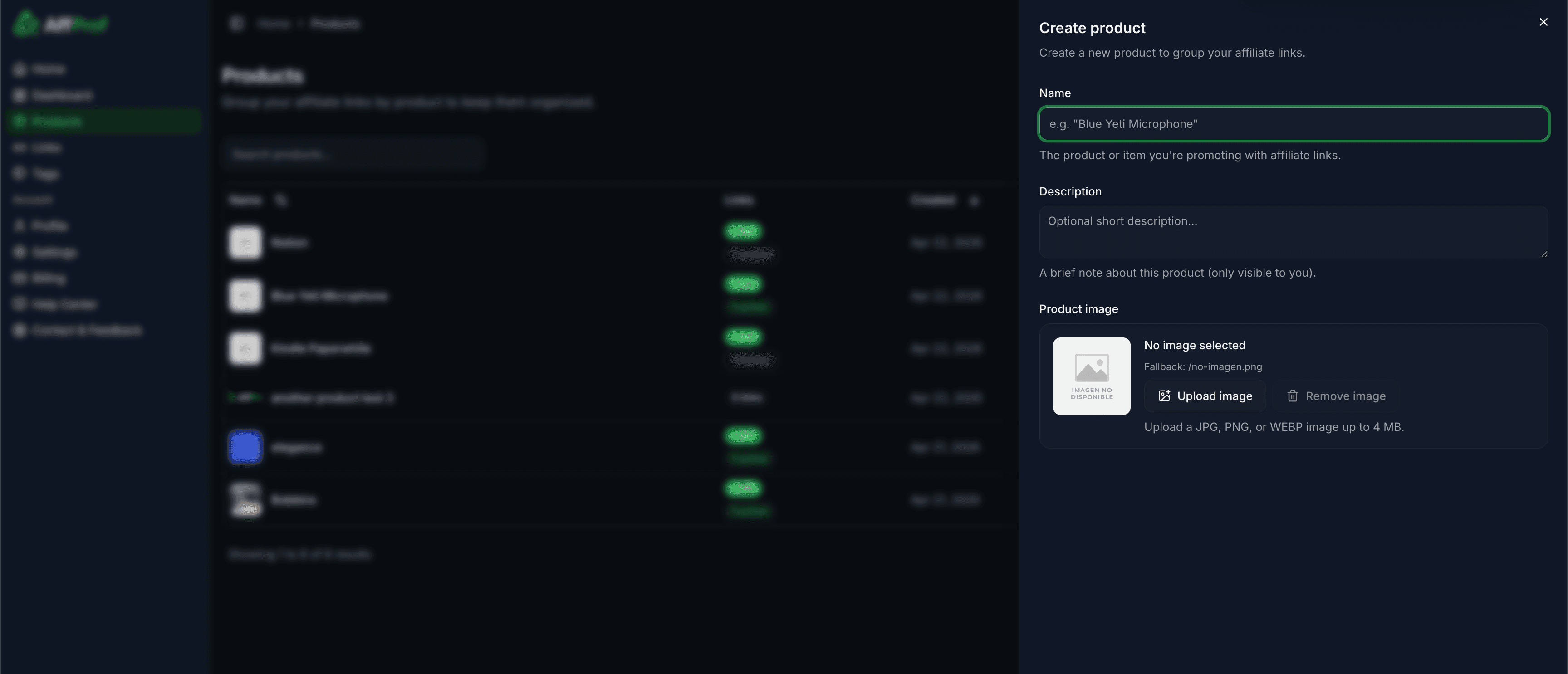
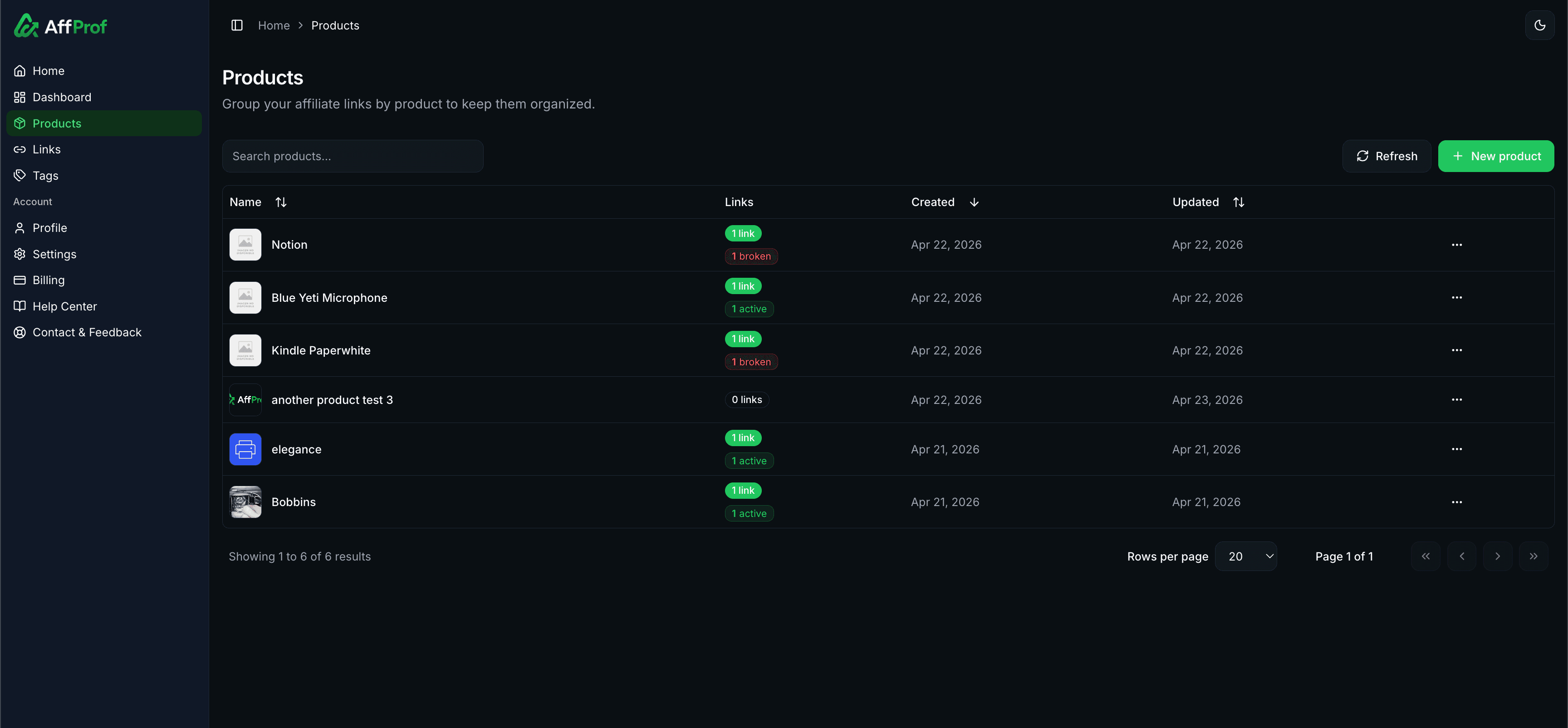
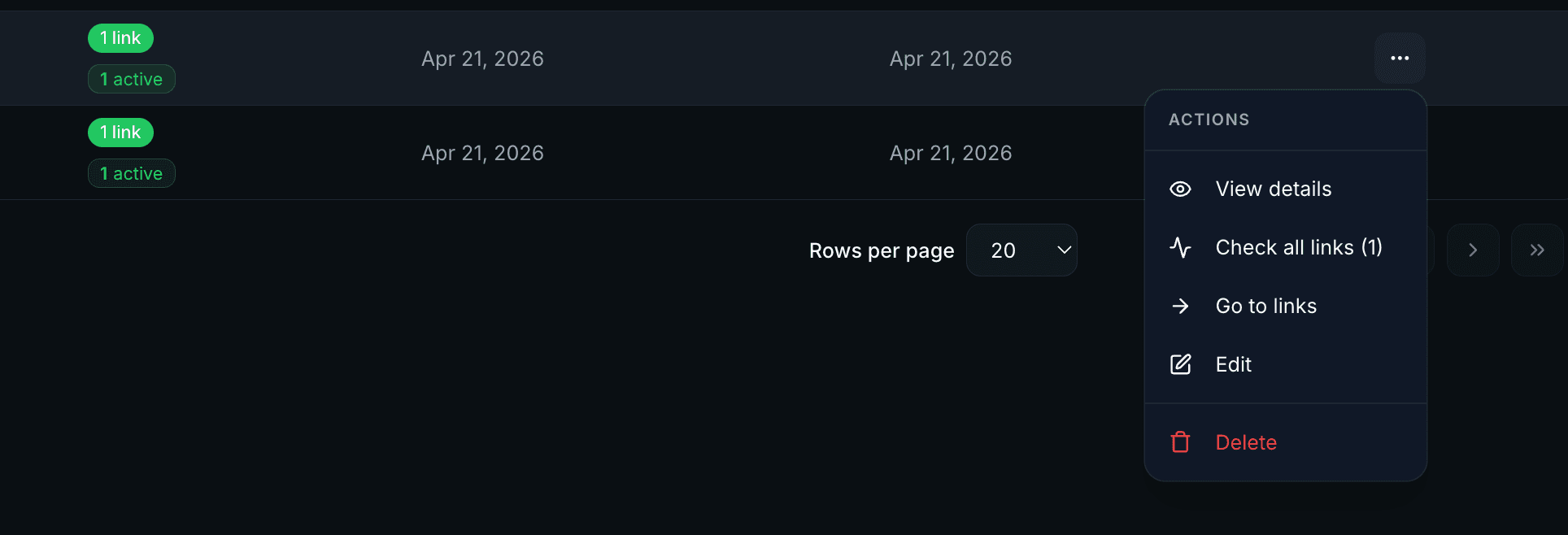
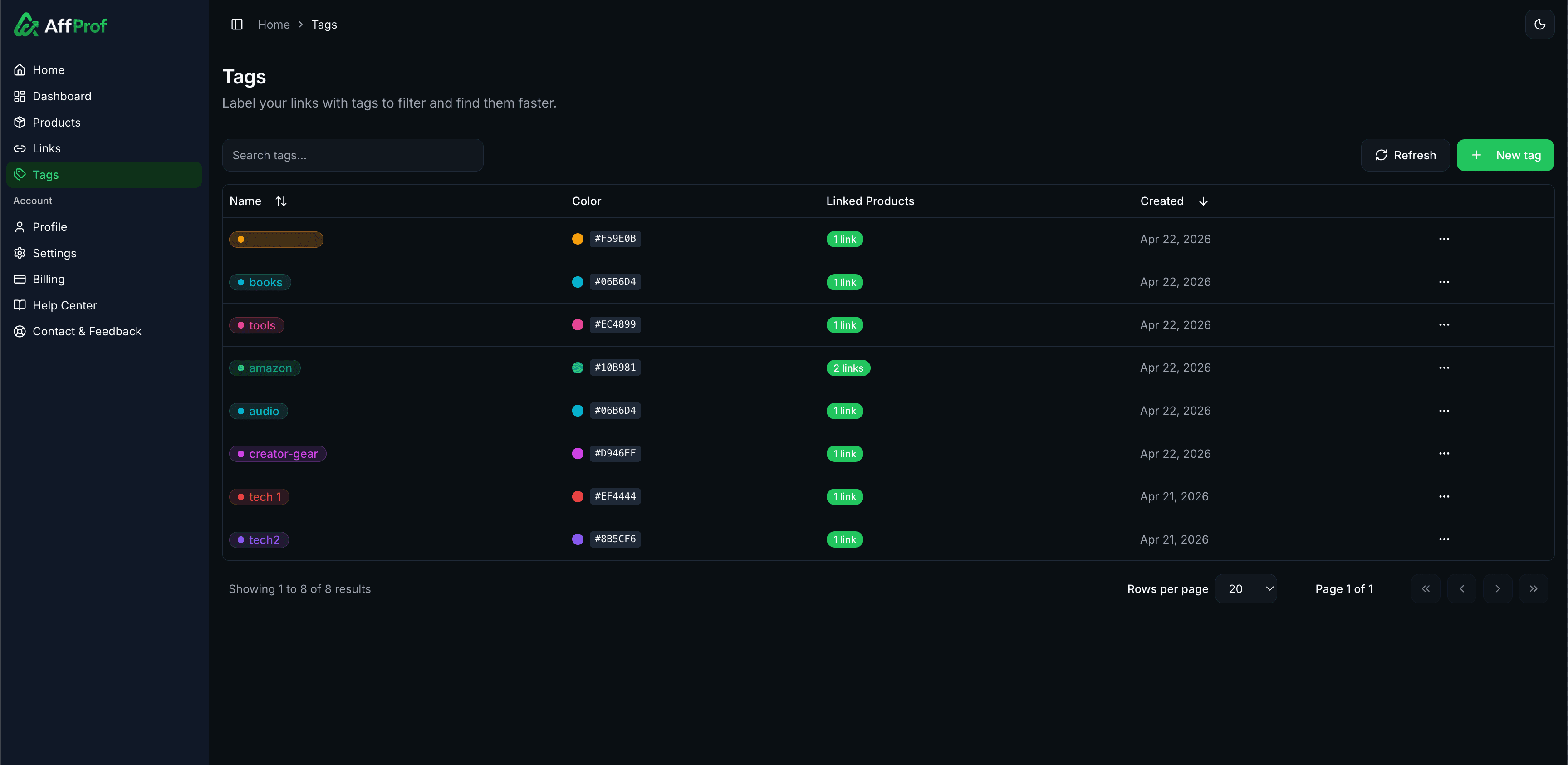
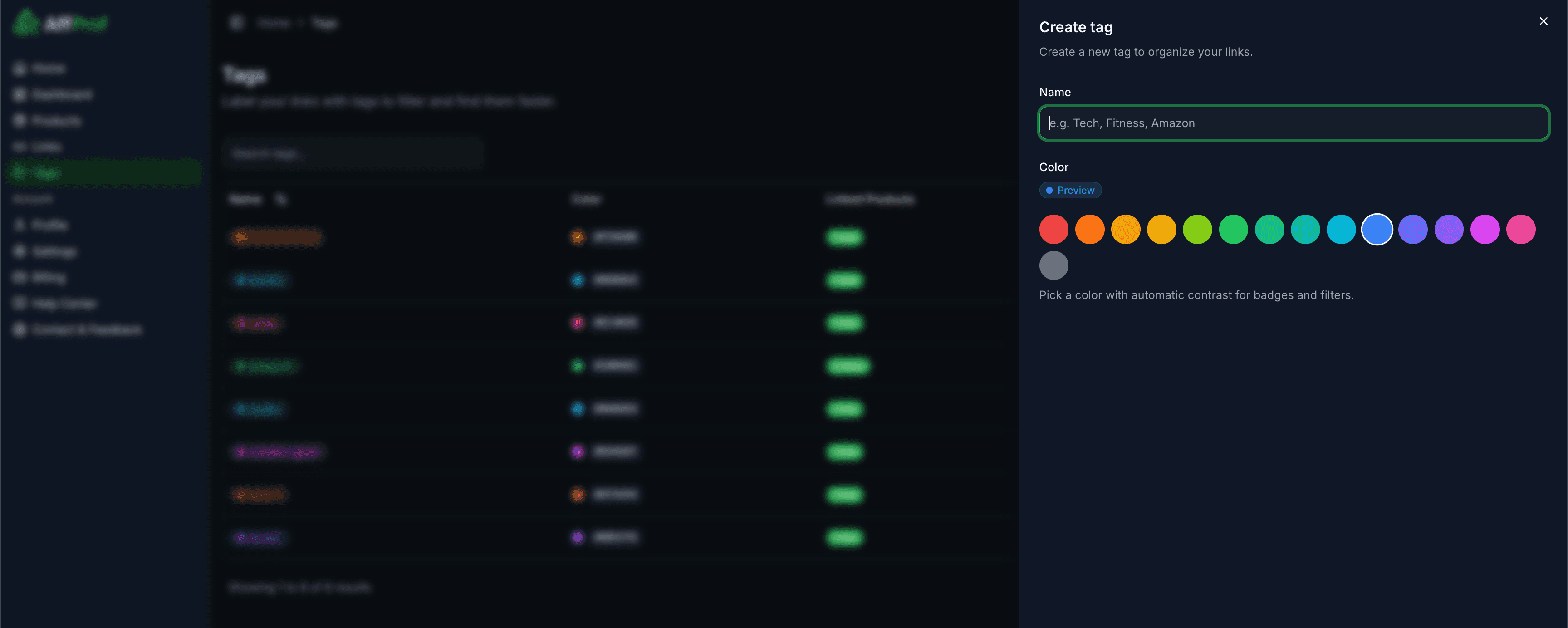
Products, links, and tags work together to keep your affiliate library organized and your analytics meaningful. Understanding how they relate saves time as your library grows.
Setup recommendation
1Create 1-3 products first for the things you promote most.
2Add 5-10 tags for contexts that matter: channels, campaigns, networks, and types.
3Create your first links, assigning each one to a product and 2-4 relevant tags.
4Refine as you grow. Add new products and tags when useful, and rename or delete ones that are not.
Resist making a tag for everything. 5-10 well-chosen tags are more useful than 50 confused ones.
Common patterns
Common questions
Can a link belong to multiple products?
No. Each link belongs to exactly one product. Use separate links or a broader product plus tags.
Can I have a link without a product?
No. Every link requires a product. Use a catch-all like Misc or Uncategorized if needed.
How many products and tags can I have?
Free allows up to 2 products and unlimited tags. Pro allows unlimited products and unlimited tags. Links can have up to 10 tags.
What happens if I delete a product with links?
You cannot delete a product that still has links. Move or delete the links first.
Can I rename a product or tag without breaking anything?
Yes. Renaming changes display names only. Links, analytics, and slugs are not affected.
Can I have duplicate product or tag names?
Technically yes, but it is confusing. Unique names are recommended.
Need help?
Email hello@affprof.com with your account email and a description of how you are trying to organize your library. We respond within 24 hours, faster for Pro users.